





CapCut ban hai kya? Yes — since 2020
CapCut was among the Chinese apps India blocked in 2020, and a June 2026 guide reports it is still blocked and not distributed through the Indian Play Store or App Store. There has been no official reversal.
Some people sideload an APK or use a VPN. We don't recommend it: the app is blocked under Indian rules, and a sideloaded app doesn't get updates from an official store. Use an editor that is available here.
What CapCut does well
Fair is fair: CapCut is a strong all-round editor. Its templates came cut to the music, so a trend took a few taps. Its App Store listing adds automatic background removal, auto captions, optical-flow slow motion and 4K 60 fps exports. Outside India the Pro features are a paid subscription (US in-app purchases run from $7.99 to $89.99).
Alpha as a CapCut template alternative
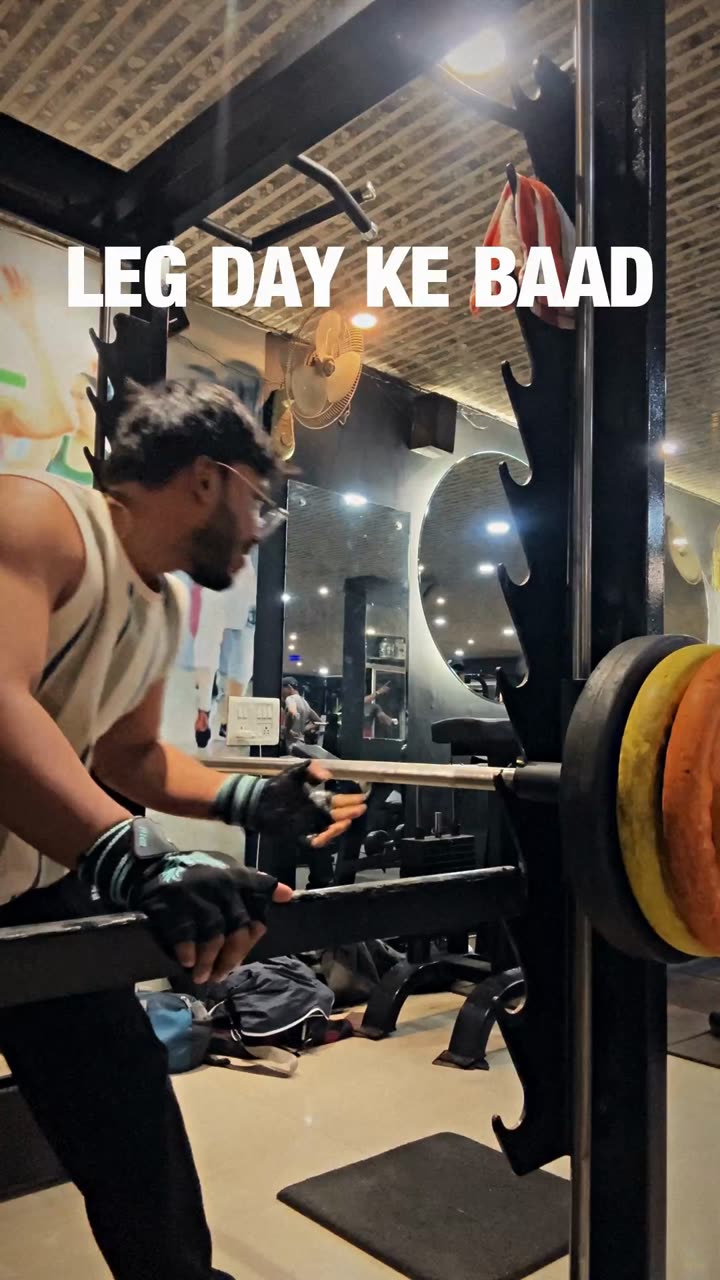
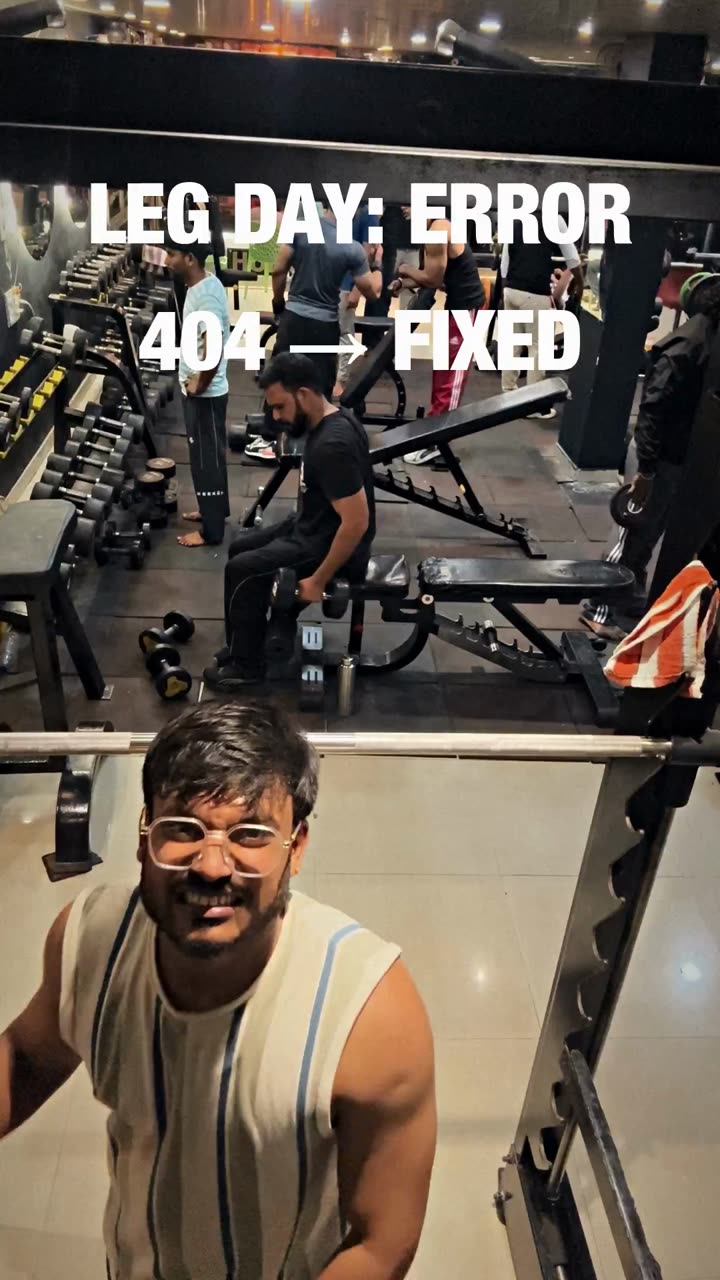
Alpha keeps the part people loved — pick a template, add clips, post — and changes where templates come from: each is one of Alpha Siddhant's own reels, not a community upload. So there are fewer (29 today, all gym reels), but each is a real reel's edit with its song credited, text behind you in 9 and the body outline in 19. Alpha renders on your device; your clips are never uploaded.
Price, watermark and export
CapCut's help center explains that some template videos add a CapCut ending clip, and how to delete it. Alpha puts no watermark on free templates; a premium template offered free carries a small Alpha QR and an end card, and buying it (₹50–₹120 once) removes both. Exports go up to 4K at 24–60 fps where your device can. See pricing for the monthly plans.
Learning curve and Indian reels
Templates are quick in both; CapCut's full editor has more to learn, and Alpha has no timeline at all. Wondering “reel kaise banaye bina CapCut ke”? Start with a gym template in Alpha Studio. For Garba, Navratri, birthday or couple reels, Alpha's templates are still coming; until then VN or KineMaster do the job by hand.